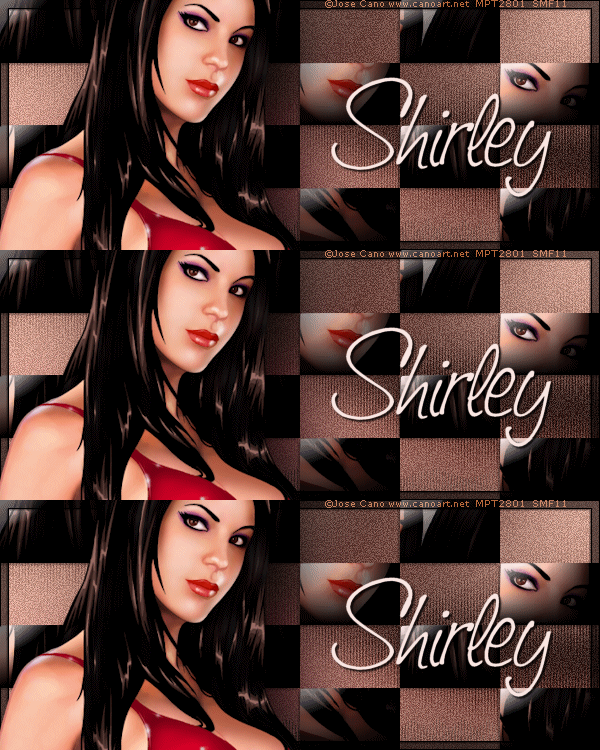
Edge Effects - Enhance
Add noise - Uniform 15 -Mono checked
New layer - Fill w/ white
Mura Seamless - Checks with Gradiation
Magic wand-Default- Click in all the white squares and Delete-Deselect
Paste your tube and duplicate a few times-Move them around til you like them
Merge tube layers together
Highlight checks layer-select all-float-defloat-invert
Highlight tubes layer-delete-Blend Mode overlay-crop tag
On checks layer-Drop Shadow 1, -1, 45 and 3
Hide BG layer and merge visible
New layer-Send to top-Select all- Contract 8 - Fill w/ black- Contract 1 - Delete-invert
New layer - Drag under top layer-fill w/ black -opacity 56
On thin border layer-same Drop Shadow
Paste tube -(Xero-Porcelain if you like)- Move left - Blurry Drop Shadow-Crop tag
New layer-fill w/black, Select all-Contract 1 - Delete -Deselect
Add name, CR info and Lic # if necessary
Hide BG-Merge
Unhide BG- Duplicate 2 times for total of 3 layers
Mura Seamless-Shift at Zig Zag
Change Number to 190 for the bottom layer
207 for the middle layer, 227 for the top
Hide your 3 background layers and merge visible
Unhide all layers and Animate as usual
It works the same as any glitter animation,
but if you don't know how I have written a little mini-tut on the subject HERE
This Animation works better with darker colors or a high contrast theme