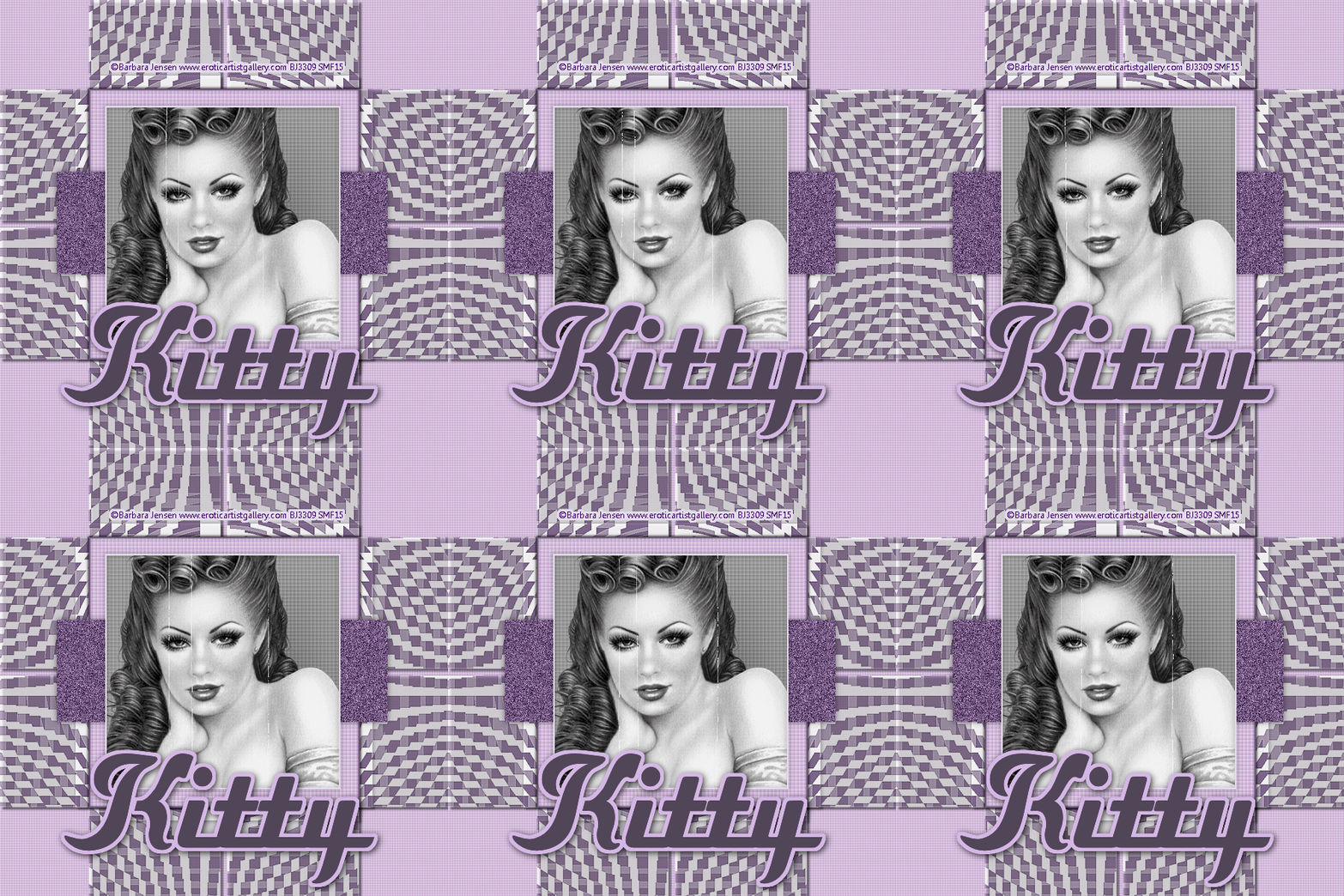
Vintage
3/11/15 To create this tag you will need: A Close-Up Tube I used art by Barbara Jensen Tubes and License Available HERE
Filter Factory D - Centripedal Tile Toadies - What are you? My Selection HERE
Ready? Let's Begin!
Open your Tube in PSP Choose Light and Dark Colors or Contrasting colors for your FG/BG New Image 900x900 Fill with one of your Colors Effects - Texture Effects - Blinds - 5/21 Horizontal and Light checked Color is your other color Blinds again, but Uncheck Horizontal
New Layer Load my Selection - SWWVintage Fill with the other color - Deselect Toadies - What are you? - 79/79 Duplicate and Merge down Filter Factory D - Centripedal Tile - 114/70 Edge Effects - Enhance If this is too light or too transparent, duplicate and merge down Duplicate - Free Rotate 90 degrees left Drop Shadow 5/-5/50/16 on both Layers Merge visible
Resize to 600x600 Adjust - Sharpen
New Layer Custom Selection Top - 119 Right - 482 Bottom - 482 Left 119 Fill with one of your Colors Blinds - Twice like you did for the Background Add a Layer Fill with the other color Contract Selection 2px - Delete - Deselect Drop Shadow 5/-5/50/16
New Layer Custom Selection Top - 230 Right - 519 Bottom - 367 Left - 76 Fill with one of your Colors Add Noise - Gaussian - 46% - Mono Checked Deselect Drop Shadow 5/-5/50/16
New Layer Custom Selection Top - 143 Right - 458 Bottom - 458 Left - 143 Fill with One of the Colors Blinds - Twice like you did for the Background Add your Close-up Invert selection - Delete Merge Down Effects - Photo Effects Choose either Black and White Film or Sepia Toning Whichever suits your Tag the best Keep Selected Add a Layer Fill with your Other Color Contract 2 - Delete - Deselect Drop Shadow 5/-5/50/16 Merge Down This is your Animation Layer
New Layer - Send to top Fill with one of your Colors Contract 2 - Delete - Deselect Drop Shadow 5/-5/50/16
Add your Name, CR Info and License# if necessary
If you want a static Tag save as a JPG and you're Done!
AnimationFirst let's do some cleanup to make animating easier Pull every layer but your Name layer UNDER your Animation layer Hide the Animation and Name Layers Merge Visible Now you should have 3 Layers like so:
Select the Animation layer Custom Selection Top - 143 Right - 458 Bottom - 458 Left - 143 Edit - Copy
Time to Fire up Animation Shop(AS) Edit - Paste as a New Animation Effects - Insert Image Effect Choose the Scratches Effect Animation Frame Checked - Effect Length 5.9 - Frames per Sec 12 fps Click ok Scroll back to the First Frame and Delete it You should have 70 frames Go back to PSP Select the Bottom Layer Edit - Copy Go back to AS Paste as a New Animation Hold the ctrl key down and tap the "L" key until you have 70 Frames Edit - Select All Go back to your First Animation Edit - Select All - Edit - Copy Go to your Second Animation Edit - Paste into Current Frame Click to Place This is your Tag You can delete the First Animation now
Go back to PSP Select the Name Layer Edit - Copy Go back to AS Paste as a New Animation Hold the ctrl key down and tap the "L" key until you have 70 Frames Edit - Select All - Edit - Copy Select your Tag Make sure all Frames are Selected Edit - Paste into Selected Frame That's it, save as a gif and you're done!!
Here's another Sample with Art By Barbara Jensen
Another with Art by Jennifer Janesko Tubes and License Available HERE For this example, I used the Sepia tone instead of B/W
If you try this, or any of my Tutorials I would love to see what you made Please Post results and comments on my Fanpage |