So... do you want to get lucky?
A forum set tutorial
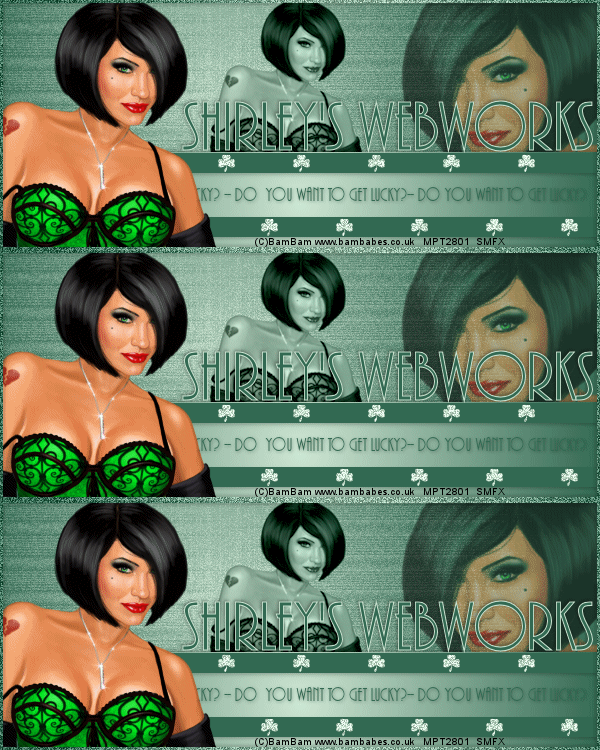
You will need:
PSP- I used X3 for this, but I think it can be done in any version
DSB Flux- Bright Noise
MuRa- Copies
Funhouse-ZigZaggerate
Shamrock tube, made by me -HERE
A tube and a close-up
I used the awesome art of BamBam
You will need a license from MPT to use BamBam's work
Ok, lets go!
New Image-600x250 transparent
Choose a light color and a dark one and make a gradient
FG/BG-Sunburst setting-angle and repeats 0
Fill your image-then Fun House- ZigZaggerate with default settings-twice
Now we're going to make the border
everything that comes after goes between the border and the background
Select all -Contract by 3-Invert-Promote Selection to Layer-
Deselect-mirror-drop shadow 1,1 50,5 then -1, -1, 50, 5
Now for the meat of the thing
Starting on the background layer-new layer-rectangular selection tool
Draw out a selection that is roughly 1/3 of the tag-fill with your gradient.
Move to the bottom of the tag (see my example)-add drop shadow of choice
New layer - rectangular selection tool- draw out a skinny selection (see my example)
Fill with your darker color-deselect-move to the top of the gradient rectangle we made
Duplicate-move toward the bottom of the tag, leaving room for cr info-drop shadow of choice-
Merge these two skinny bars together
Back to the background layer,
Paste your close-up as a new layer and move to the right side
I wanted her looking at the main image and to leave room under her eye for text
Change the blend mode to hard light and drop the opacity to 50
Copy your regular tube and paste as new layer-I resized mine 80%
This one should be the smallest one-place it in the center and face it the same way as the close-up
Change the blend mode to Luminance (L) and adjust the opacity a little bit
Select the skinny bars layer-paste your regular tube and move it to the left side
Make sure it's facing the other two tubes-drop shadow of choice
Ok, here's where the magic happens...
Open my little shamrock and resize 28%-Sharpen
copy and paste as new layer just above the skinny bars
MuRa Copies-Line-change the number to 5
Move it to the top skinny bar-duplicate and move to the bottom skinny bar
Move the bottom one over so it offsets the one on the top
Merge these two layers together.
On the bottom layer now-select all-edit-crop to selection
Select the gradient layer and put your cr info there on the bottom, just so it shows above the frame (see mine)
On the top layer, add your name and position as shown
I used AR Bonnie sz. 100- light color on the fg and dark on the bg
Drop shadow of choice
On the gradient layer, type out the words "Do you want to get lucky?" 3 times
AR Bonnie sz.28- Position as shown
Close out the shamrock layer and everything below it-select the top layer and merge visible
Close out the merged layer and the shamrock layer- open all the rest and merge visible
You should now have 3 layers
Top layer with name, frame and main tube
Shamrock layer
Bottom layer, with background,
cr, small and close-up tubes, gradient rectangle and skinny bars
Time to Animate!
Duplicate the shamrock layer twice for a total of 3 layers
On the bottom shamrock layer-select all-float-defloat
DSB Flux-Bright Noise- 48-Mix
Middle shamrock layer-Bright Noise-hit the Mix button twice
Top shamrock layer-Bright Noise-hit the Mix button three times
Open Animation Shop
Close out the top 2 shamrock layers
Edit-copy special-copy merged
Over in Ani Shop -Paste as new Animation
Back in PSP - close the bottom shamrock layer-open the middle one
Edit-copy special-copy merged
Over in Ani Shop -Paste after current frame
Back in PSP - close the middle shamrock layer-open the top one
Edit-copy special-copy merged
Over in Ani Shop -Paste after current frame
Save with the default settings
You're Done
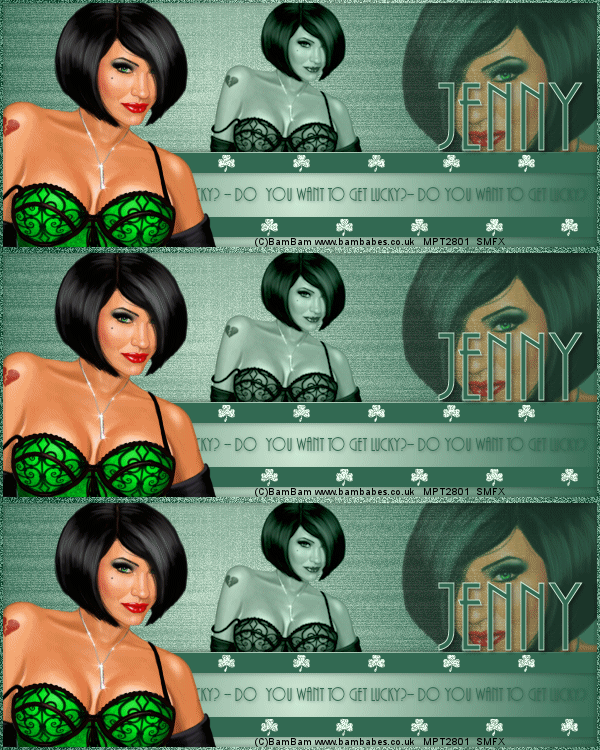
Examples:
with a different background:
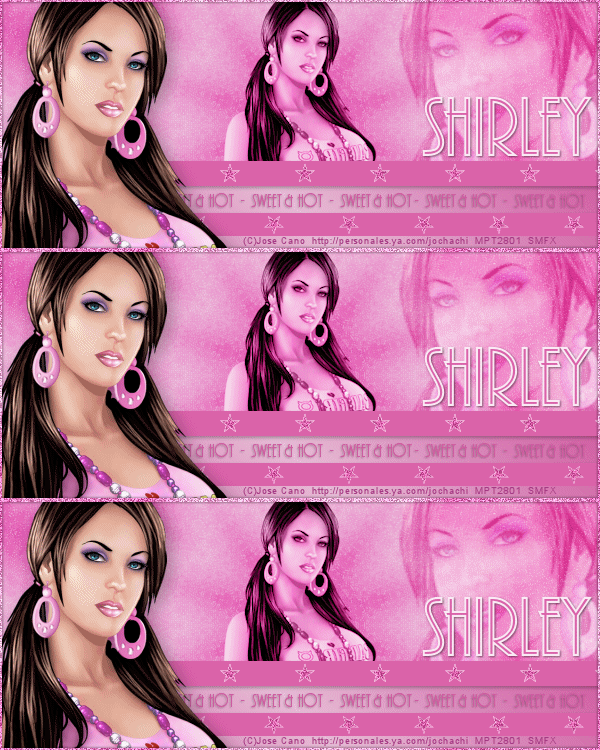
Sample Avi:

Thanks so much for trying my tutorial!